If your social media strategy hasn’t changed, your results won’t either. AI is changing workflows, customers are discovering brands differently, and authenticity matters more than ever. Here are ...

14Jan


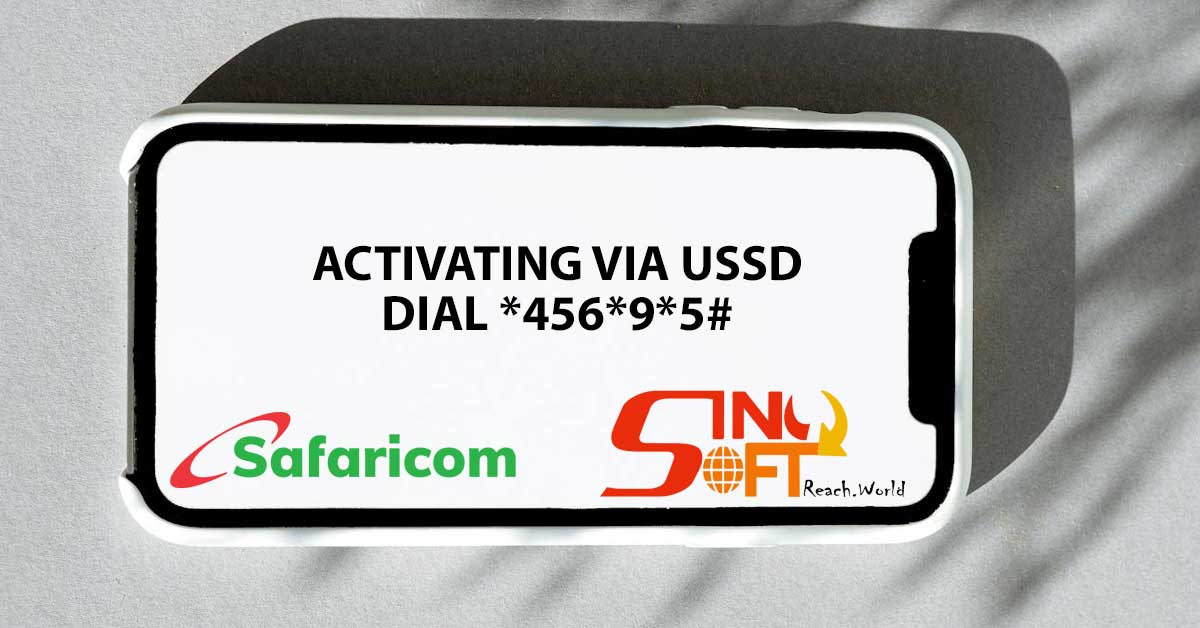

Activate Promotional Messages on Safaricom can be done either via USSD or MySafaricom App using the following steps:-


I understand the wait for your ID has been longer than expected. To resolve this, please visit your nearest Huduma center for further assistance.

I have not received my ID number since last year serial number 2552953672